Your paulownia support portal
Try the interactive demoYOUR PAULOWNIA ACCOUNT
Your paulownia support in one place
Support continues after planting: tasks, your reports and conversations with our team.
Illustrative interface previews · Demo data, no customer information.
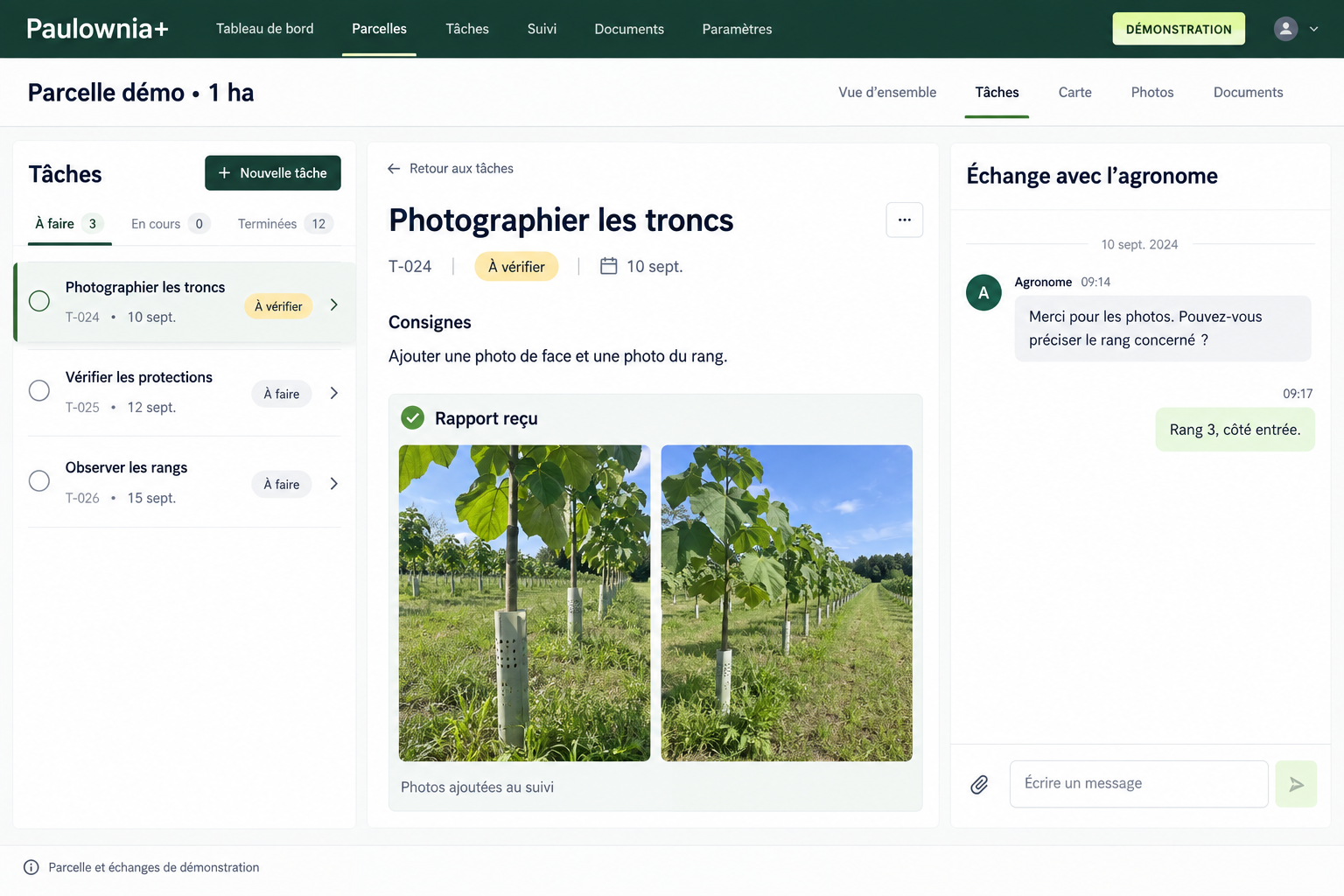
01My tasks
A work plan for your paulownia
See instructions, deadlines and the status of each task. Know what needs doing and what awaits the agronomist’s review.
Work plan
Demo plot · Paulownia
Photograph the whole trunk and lower branches. Include the row number and a general view.
Each task includes instructions and a planned date.
02Report and photos
Show the completed work
Add comments and photos to your task report. The team can accept the result or ask for more information.
Completion report
Photograph the trunksTree photos and a general view of the row added to the report.
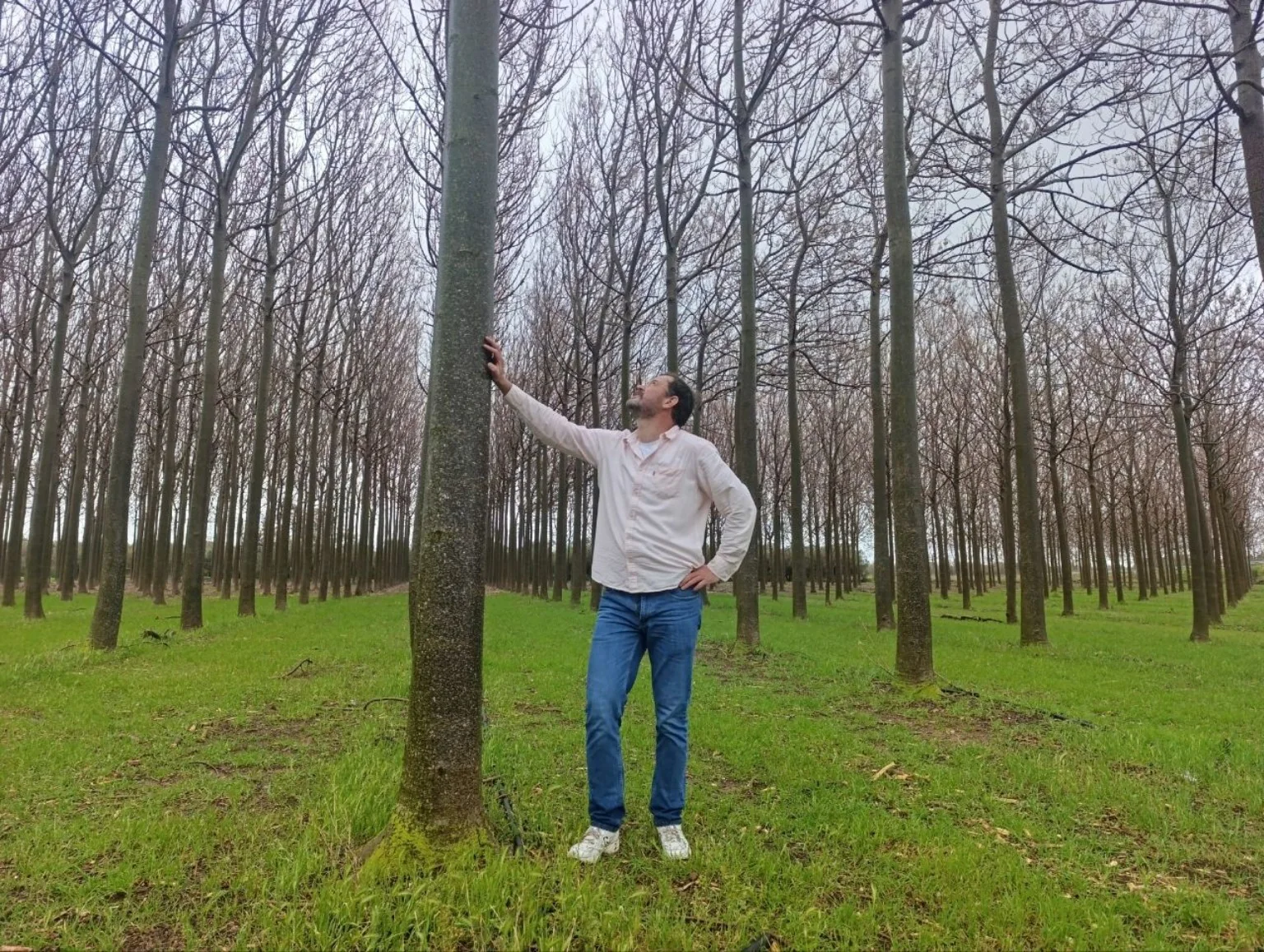
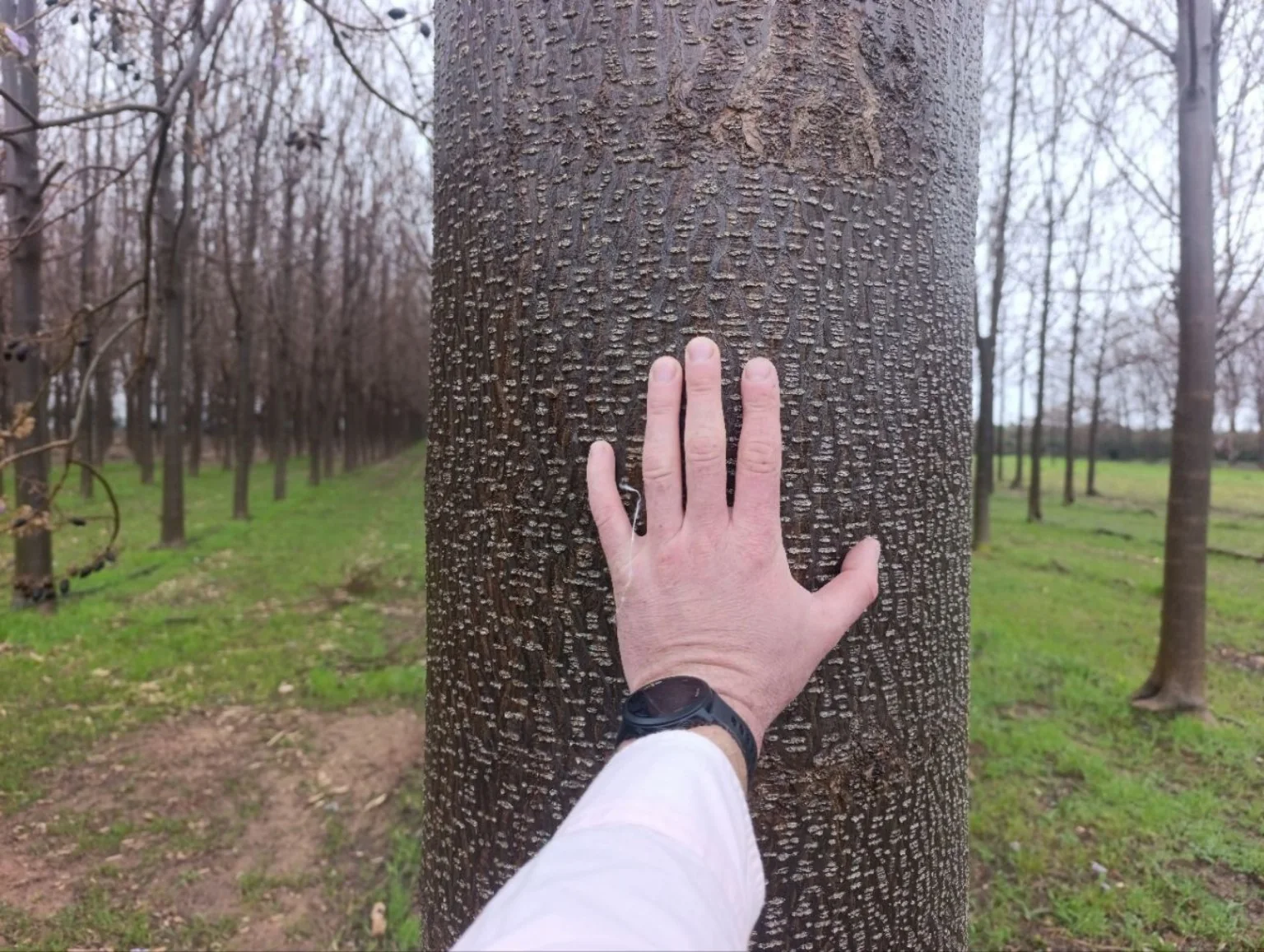
Photos supplied by Paulownia Energy to illustrate this report.
03My agronomist
Stay in touch with your agronomist
Ask questions from your account. The conversation history keeps your plantation’s context available for ongoing support.
My agronomist
Example conversation
04The team’s view
A team that tracks the next steps
In the admin area, our team sees clients, plantations, enquiries and tasks. They review reports and track approval.
Work and tasks
Team workspace · Demo data